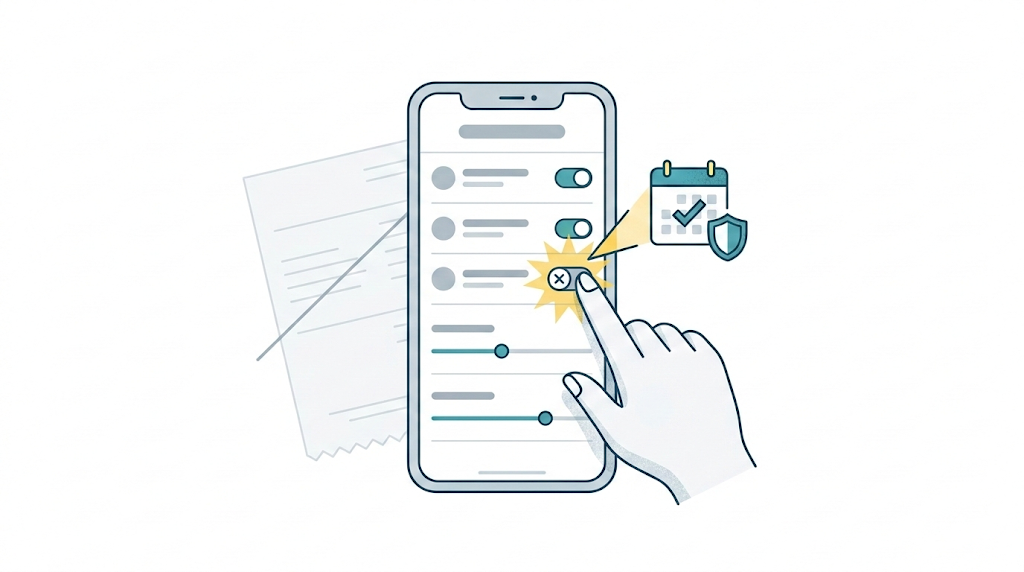
Quick Answer: To cancel Walmart+, go to your Walmart account, open Walmart+, choose Manage membership, select Manage beside your Walmart+ plan, then choose Cancel beside Cancel membership. For a paid membership, cancellation usually stops the next renewal rather than ending benefits immediately. If you cancel during a trial, benefits can end right away.
If you’re still deciding whether to keep it, start here first: Should I Cancel Walmart+?
This page is only about the clean exit: stop the renewal, save proof, and make sure it doesn’t quietly charge you again.
What happens after you cancel
For a paid Walmart+ membership, canceling usually turns off the next renewal. It doesn’t normally cut you off the same day.
- Walmart’s terms say you must cancel before the end of your current term to avoid being charged for a new one.
- If you cancel a paid membership, Walmart says you can usually keep using the benefits until the end of your current term.
- If you cancel during a trial, Walmart says trial benefits can end immediately.
If you’d rather do it by phone, Walmart’s terms say you can call Walmart Customer Care at (800) 924-9206.
The official Walmart+ cancellation steps
Walmart’s manage membership page shows this path inside your account:
- Go to your Walmart account
- Select Walmart+
- Select Manage membership
- Select Manage beside your Walmart+ plan
- Select Cancel beside Cancel membership
- Choose whether to Confirm cancellation, View exclusive offer, or Keep membership
Don’t stop halfway through the retention screens. Keep going until you reach a final confirmation screen.
How to make sure it actually stops renewing
This is the part that’s easy to skip.
- Save proof: screenshot the final screen showing your canceled status or membership end date.
- Check your inbox: search for a Walmart+ cancellation or membership change email.
- Check around the old renewal date: look at your card activity around that date, including any pending charges if your bank shows them.
- Set one reminder: put a calendar reminder 2 to 3 days after your old renewal date.
- Check your payment method again: make sure no new Walmart+ charge actually posts after that date passes.
If you’re not ready to decide today, Walmart’s manage membership page says the cancellation flow can offer a Remind Me Later email three days before your renewal date. That’s useful if you truly need more time, but it still leaves the task on your future list.
Common cancellation mistakes
If a cancellation still turns into another charge, these are the first places to check.
- Stopping at the offer screen. A “View exclusive offer” pop-up isn’t the cancellation. If you closed the tab there, the membership is still active.
- Canceling on the wrong account. If your household has multiple Walmart logins, the membership might be tied to a different one. Check the email address that received past Walmart+ receipts.
- Forgetting the InHome add-on. If you had InHome Plus Up, check the final confirmation screen for both the base Walmart+ membership and any Plus Up benefit status, so you know what’s ending and when.
- Skipping the screenshot. If a charge does post later, the final confirmation screen gives you cleaner proof when you contact support.
- Assuming the trial cancel is the same as paid cancel. Walmart says trial cancellation can end benefits immediately, while paid cancellation usually keeps benefits through the current term.
If you can’t find the cancel button
- Make sure you’re signed into the Walmart account that actually holds the membership.
- Go back to the official membership management page instead of hunting through menus.
- Try the website if the app isn’t showing the right membership screen clearly.
- If you still can’t reach the final cancellation screen, call Walmart Customer Care.
If you got charged again after canceling
- Check whether you reached the final confirmation screen or only started the flow.
- Look at the proof you saved. Does it show a clear canceled status or end date?
- Check your email for a cancellation confirmation or membership update.
- If the charge still posted, contact Walmart Customer Care with your screenshot and the charge date.
Can you pause instead of canceling?
Sometimes, yes. Walmart says eligible paid members can pause for one month at a time, up to three non-consecutive times in a 12-month rolling period. It’s not available for trials or the Paramount+ Premium upgrade, and you won’t have access to member benefits while paused. If you have InHome Plus Up, Walmart says that pause applies there too.
FAQ
Do I lose Walmart+ benefits immediately if I cancel?
Usually no for a paid membership. Walmart says you can normally keep using benefits until the end of your current term. If you cancel during a trial, Walmart says benefits can end immediately.
Will canceling Walmart+ stop the next renewal charge?
It should, as long as the cancellation is completed before the end of your current term. Save the final confirmation screen and check your payment method around the old renewal date.
Can I cancel Walmart+ by phone?
Yes. Walmart’s terms say you can cancel by calling Walmart Customer Care at (800) 924-9206.
Can I pause Walmart+ instead of canceling?
Yes, if you’re eligible. Walmart says eligible paid members can pause for one month at a time, up to three non-consecutive times in a 12-month rolling period. This isn’t available to trial members or the Paramount+ Premium upgrade, and benefits stop during the pause.
How much is Walmart+ right now?
Walmart’s help center lists Walmart+ at $98 per year or $12.95 per month, plus tax.
Next step
If the harder question is whether Walmart+ still fits your routine at all, read this next: Should I Cancel Walmart+? If you’re already past the decision and looking at what comes next, Best Walmart+ Alternatives in 2026 covers the most common replacements.