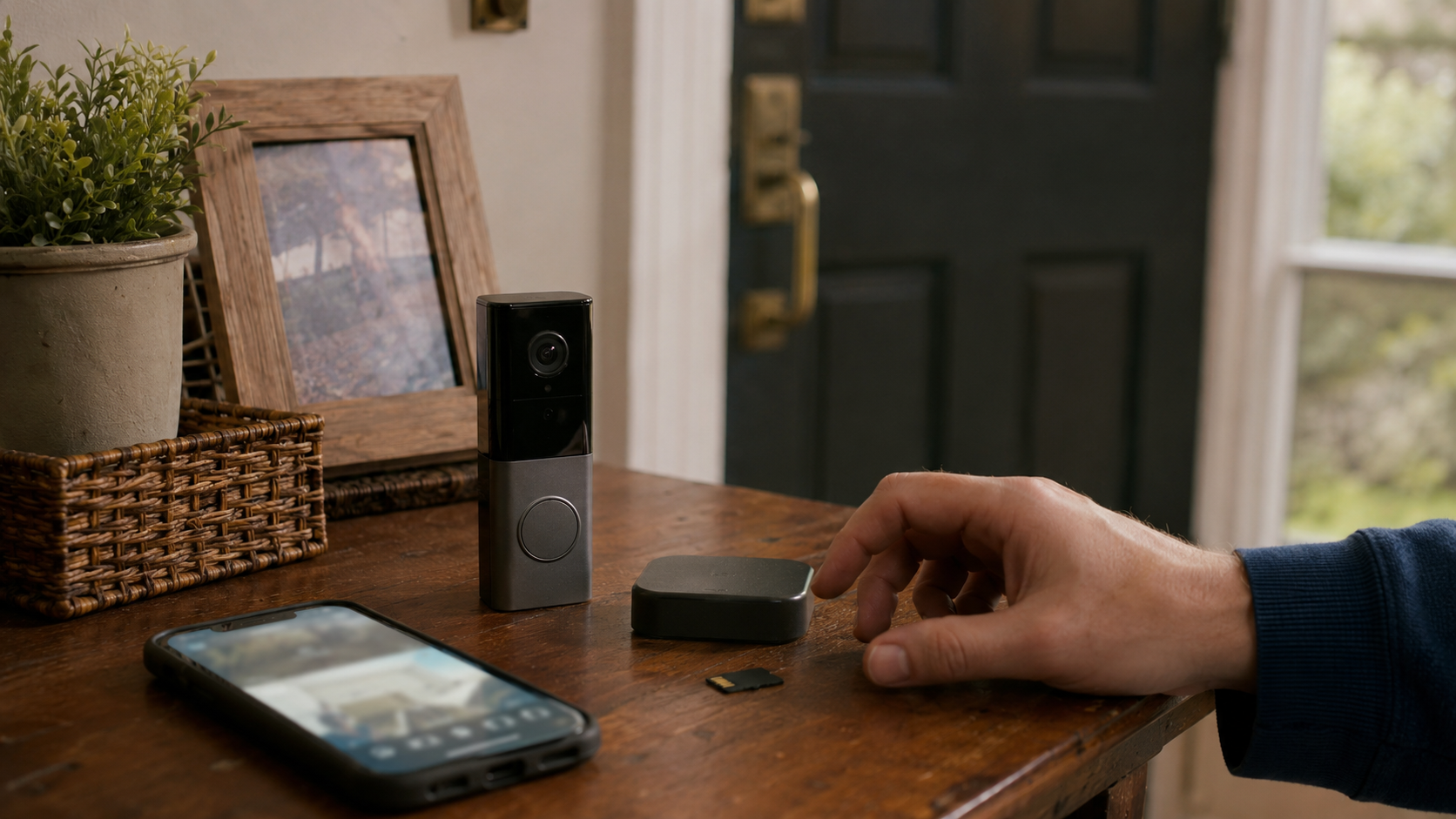
Quick Answer: If the only thing your Ring plan does is keep recordings, supported cameras from eufy and TP-Link’s Tapo line do that job without a subscription. eufy saves footage to a HomeBase hub or to storage inside the camera, while Tapo records to a microSD card in the camera or a supported hub, depending on the model. The trade is real, though: local footage can be stolen or destroyed along with the hardware, and there is no off-site copy unless you pay for one. Switch if you are tired of renting access to your own recordings. Stay if cloud backup is the actual point.
Keep a Ring Solo plan for three years and you have paid about $150, roughly the price of the eufy hub that would have stored comparable footage with no plan at all. That is the whole argument for local-storage cameras in one sentence. Ring’s subscription page starts recording at $4.99 a month, while Tapo’s own documentation lets supported cameras record to a microSD card, with cloud storage as an optional plan. Two opposite business models, pointed at the same front door.
You are not paying Ring to watch. You are paying it to remember
All three brands sell working cameras. On the models this comparison covers, live view, motion alerts, and two-way talk carry no monthly fee. The dividing line is what happens to footage after the moment passes. Standard Ring doorbells and cameras keep recordings on Ring’s cloud, and even Ring Edge, the local-storage exception covered below, needs a plan of its own. Saving on Ring requires a subscription either way. Supported eufy and Tapo models write recordings to hardware you own, so saving is part of the purchase price.
That makes the comparison less about camera quality and more about what five years of remembering costs.
| What recording costs | Ring | eufy | Tapo |
|---|---|---|---|
| To save any footage | Plan required, from $4.99/mo or $49.99/yr | Included: HomeBase hub or in-camera storage | Included: microSD card, sold separately |
| Recording cost over 5 years, one camera | About $250 (Solo, annual billing) | $0 after hardware | $0 after a one-time card |
| Where footage lives | Ring’s cloud, up to 180 days; the Edge local path still needs a plan | A HomeBase hub on supported setups, expandable up to 16TB; built-in or card storage on other models | A microSD card in the camera or a supported Tapo hub, up to 512GB depending on model |
| If the hardware is stolen or destroyed | Footage survives in the cloud | Footage goes with it, unless you add paid cloud backup | Footage goes with it, unless you add paid Tapo Care |
| Optional cloud upsell exists anyway | The plan is the product | Yes, Cloud Backup | Yes, Tapo Care |
Prices are as of July 2026. The five-year Ring figure assumes the cheapest path, one device on annual billing. Add a second camera and the honest comparison becomes Ring Multi at $99.99 a year, which doubles the gap.
What you actually give up by skipping the subscription
The savings are not free money. They are payment for accepting three specific risks, and it is worth naming them plainly, because the brands selling local storage would rather you did not think about them too hard.
First, local footage lives and dies with the hardware. If a burglar takes the camera, or the Tapo’s microSD card, or the eufy HomeBase sitting near your router, the evidence leaves with them. Ring’s cloud model means the clip of someone stealing your camera survives the theft of the camera. That is the one scenario where the subscription earns its keep completely, and eufy’s own cloud backup pitch is built on exactly this weakness.
Second, the safety net around the camera is thinner. Professional monitoring, cellular backup when the internet dies, emergency dispatch: this is Ring Pro territory, and the local-storage brands either do not offer it or offer a lighter version. If a monitored alarm system is part of your plan, the comparison changes shape.
Third, memory cards are consumables. A microSD card being written to around the clock wears out, which is why TP-Link’s own compatibility guidance pushes high-endurance cards. Loop recording overwrites the oldest footage automatically, so a card does not fill up, but it does eventually fail, and it fails quietly.
Those three risks are also the honest self-test. Resenting the fee takes no effort. Checking a storage card in month six does. The switch pays off for the household that will still do the boring part after the new-camera excitement wears off.
The asterisks that come with “no subscription”
A no-subscription camera means the company has no way to charge you later. Both brands sell optional cloud plans and would be glad to have you on one. The difference from Ring is that the paid tier is a genuine add-on rather than the price of admission: eufy’s Cloud Backup and Tapo Care add off-site copies for a monthly fee, and everything else keeps working if you decline.
eufy also carries a history worth knowing before you buy it for privacy reasons. In late 2022, security researchers showed that some eufy camera streams and cloud-sent images were easier to access than the local-first marketing implied, and in early 2023 Anker admitted to The Verge that streams had not been natively end-to-end encrypted, promising a move to WebRTC encryption by default. That history does not make eufy unusable. It does mean you buy it for the storage math and the current feature set, not because the word “local” settles every privacy question on its own.
One more quiet detail: neither brand is one storage design. Some eufy cameras need a HomeBase hub for the no-fee storage, and where required, the hub is its own purchase at around $150. Others, like the SoloCam and Indoor Cam lines, carry built-in storage or a card slot and skip the hub entirely. Tapo runs a similar range: many cameras take the microSD card directly, while some doorbell and battery setups store footage on a Tapo hub instead. Price out the exact model, the card, and any hub it needs before declaring either one cheaper.
And if you were hoping Ring itself had a local-storage loophole: it half does. Ring Edge can save video to a microSD card, but it requires a Ring Alarm Pro base station and a compatible Ring subscription. That makes it local storage inside the paid ecosystem, not an exit from it. If escaping the fee is the goal, Edge is not the answer.
Choose Ring if the cloud is doing real work for you
Staying with Ring makes sense when the subscription buys things you actually use: footage that survives hardware theft, professional monitoring on a Ring Alarm, an ecosystem already mounted on your walls, or shared access across a family that lives in the app. If that is you, the better question is not whether to leave but whether you are on the right tier, which is the subject of Ring Solo vs Multi vs Pro: Which Plan Fits Your Home?
Choose local storage if the fee was the only thing bothering you
Switching makes sense when the camera’s job is evidence and reassurance, not emergency response. Package theft at the door, a record of who came and went, checking on the dog: local storage covers all of it with no meter running. eufy fits homes building a multi-camera system around one hub with serious storage depth. Tapo fits single spots and tight budgets, where a camera plus a one-time card costs less than a year of Ring Multi.
Before buying anything, ask four questions of the exact model on your screen: does it record continuously or only on motion, what happens when the storage fills, does the footage sit inside the camera or on a hub indoors, and does remote playback work without a paid plan. Five minutes with a spec sheet here is what separates a working subscription-free setup from a drawer of cheap cameras and regret.
And if you already own Ring hardware, remember the free tier is not nothing. Live view, alerts, and two-way talk keep working without a plan, which is covered in Do You Need a Ring Subscription? What Works Without Paying. Some households run exactly that setup: Ring as the live doorbell, a local-storage camera as the recording eye.
The break-even test
Run one number before deciding. Take your Ring plan’s annual cost and multiply by how many years you expect to keep cameras on your house. One camera on Solo is about $50 a year, so five years is $250, which buys a capable local-storage camera and its card with money left over. A household on Multi at $99.99 a year crosses $500 in the same window. Against that, a one-time eufy hub or a Tapo card stops costing anything after month one.
The subscription wins that math only when its cloud-specific benefits carry weight for you. That is not a trick answer. Off-site evidence and monitoring are real features. The point of the test is to make you name what the recurring $50 to $200 is buying, because “it came with the camera” is not a feature.
Bottom Line
Ring rents you a memory. eufy and Tapo sell you one. Which is right depends on whether the cloud’s survival guarantee is worth a permanent line on your card statement.
Stay with Ring if: footage surviving hardware theft matters, you run a monitored Ring Alarm, or your household is settled into the ecosystem and the tier is right.
Switch to eufy if: you are building a multi-camera home system and want deep, expandable storage with no meter, and you accept the hub as part of the price.
Switch to Tapo if: you need one or two cameras doing simple work, and the appeal is the lowest possible total cost with a card you buy once.
Run both if: you own Ring hardware already. Keep it on the free tier as a live doorbell, and let a local-storage camera handle the recording.
Pause if: your Ring annual plan renewed recently. The switch saves nothing mid-cycle, so set a reminder for the renewal date and decide then.