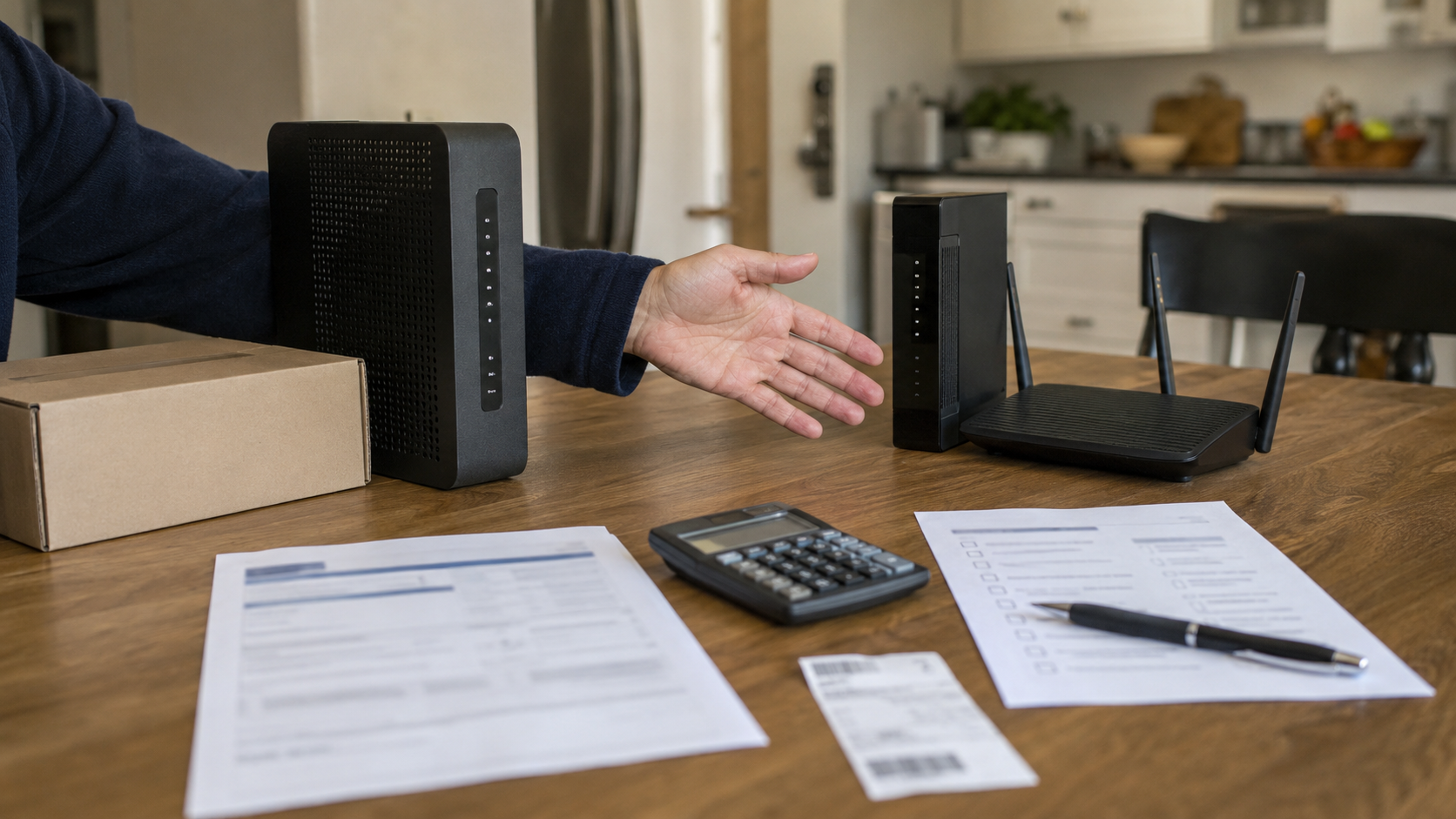
The router rental fee looks harmless because it is small, boring, and buried under a bill you already hate reading.
That is exactly why it survives. A $10 or $15 equipment charge does not feel like a decision. It feels like weather. But after a year, that little fee can become $120 to $180 for a box sitting on the floor, blinking at you, doing the same job every day. After three years, the math gets rude.
Buying your own modem is not automatically smarter. Renting is not automatically foolish. The right move depends on your provider, your plan, your house, your tolerance for troubleshooting, and whether the rented gateway is actually giving you something beyond permission to use the internet you already pay for.
Quick Answer: Buy your own modem and router if your provider charges a separate monthly equipment fee, lets you use your own hardware, and you expect to stay with the same cable provider for at least a year. On a $15 fee, a $150 setup usually pays for itself in about ten months, and every month after that is pure equipment-fee savings. Keep renting if the gateway is already included at no charge (common on Verizon Fios, T-Mobile, and 5G home plans), if your provider requires its own gateway (most AT&T Fiber plans), if you rely on provider voice service, or if the rental is bundled with a perk like unlimited data that you would otherwise pay for separately. The fee is worth canceling only when canceling actually saves money, which depends more on your provider than on the router.
First, separate the modem from the router
The language gets messy on purpose. People say router, modem, gateway, WiFi box, internet box, and sometimes just “that thing from the cable company.” They are not all the same.
A modem connects your home to your internet provider. A router sends that connection around your home as WiFi. A gateway combines both into one box. Many providers rent gateways because one box is easier to ship, support, and replace.
That convenience is real, and it makes the fee easier to ignore. You are not always paying for hardware. Sometimes you are paying for support, automatic upgrades, app controls, security tools, mesh extenders, or simply the comfort of calling the provider when the WiFi starts acting possessed at 11:40 p.m. So the useful question is not “can you buy a modem?” It is: what exactly is the monthly equipment fee paying to solve?
Whether this is even your decision depends on your provider
Before touching the break-even math, check the thing most guides skip: some providers charge a real monthly fee, some fold the equipment in for free, and a few will not let you use your own hardware at all. That single fact decides whether there is anything to save. Rough figures as of mid-2026, keeping in mind that plans and promotions vary by market:
| Provider | Typical equipment fee | Can you use your own? |
|---|---|---|
| Xfinity (Comcast) | About $15/mo gateway, or about $25/mo for the xFi Complete bundle | Yes, drops the fee (loses some xFi features) |
| Spectrum | Modem included; Advanced WiFi around $10/mo on some plans, included on higher-speed tiers | Yes, drops the WiFi fee |
| Cox | Panoramic gateway included free on many plans for a promo period, then roughly $13 to $14/mo | Yes for many internet-only setups; verify first if you use Cox Voice |
| Verizon Fios | Often included on current plans; some plans still list a router charge | Yes, but confirm on your plan |
| AT&T Fiber | Gateway built into the plan price | You can add your own router behind it, but you can’t swap out the gateway to drop a fee |
| T-Mobile / Verizon 5G Home | Included at no extra cost | No separate purchase needed |
Read that table and the real question changes. On Fios, T-Mobile, or a 5G home plan, there is often nothing to cancel. On AT&T Fiber, the cable-modem-buying decision is usually off the table because the gateway is built into the service, though you can still use your own router behind it. The buy-your-own move mostly matters on cable, where Xfinity, Spectrum, and Cox charge a standalone fee that renews forever. That is where the $180-a-year number lives. If the fee has you questioning the whole provider, not just the box, our Verizon 5G Home Internet vs Xfinity in 2026: Which Plan Saves More? puts the full cost side by side.
The simple break-even math
Start with the part nobody can argue with: the rental fee renews every month until you stop it.
| Monthly equipment fee | One year | Three years | What it means |
|---|---|---|---|
| $10/month | $120 | $360 | A basic modem and router setup can pay back quickly if your plan allows it. |
| $15/month | $180 | $540 | The fee starts looking less like convenience and more like a slow equipment purchase you never finish paying off. |
| $25/month | $300 | $900 | This needs a stronger reason, such as bundled unlimited data, mesh support, or managed security. |
The math is not complicated. The trap is pretending the fee is too small to count. It is small once. It is not small forever. If you buy a compatible modem and router for about $150 total and your fee is $15 a month, the rough break-even point is about ten months. After that, every month without the fee is real savings. If you move often, switch providers often, or need expensive mesh gear, that break-even point moves further away.
This is the same mistake people make with annual subscriptions. The monthly number feels smaller than the total decision. If that pattern sounds familiar, the same logic shows up in Annual vs Monthly Subscriptions: When Yearly Costs More.
The catch that can flip the whole decision
Here is the part most “just buy your own” advice skips, and it is the reason to slow down before ordering anything.
On some Xfinity plans, the gateway rental is not sold alone. It is wrapped into a package called xFi Complete at around $25 a month, which bundles the equipment with unlimited data that would otherwise run about $30 a month on its own. Drop the gateway to use your own router, and you can lose access to that bundle. The unlimited data you were getting as part of the deal can revert to its standalone price. In that case, “saving” $15 on the rental can add $30 somewhere else, and you end up paying more for the same service.
This does not hit everyone. Plenty of Xfinity plans now include unlimited data no matter whose equipment you use, and most other providers do not play this game. Cox runs a different version of the same idea: a 1.25 TB data cap with unlimited as a separate add-on, so owning your modem does not touch that line at all. The point is not to memorize each provider’s rules. It is to check one thing before you buy: whether your unlimited data, a promo rate, or a voice line is tied to renting the gateway. If it is, the decision is no longer just about the router.
When buying your own modem usually makes sense
Buying your own equipment makes the most sense when four things line up.
- Your provider charges a separate monthly equipment fee. If the gateway is truly included at no extra cost, the savings may be zero.
- You have cable internet, not fiber-only service. Cable customers can often use approved third-party modems. Fiber usually uses provider-installed equipment at the wall, so the decision there is about the router, not the modem.
- You plan to stay with the same provider long enough to break even. Buying equipment right before a move can turn a smart purchase into a closet ornament.
- You can check compatibility before buying. The phrase “works with Xfinity, Spectrum, and Cox” on a retail box is not enough. The provider’s approved device list wins.
The details vary by provider, which is the whole story. Xfinity says most members can buy and set up a compatible third-party modem and router, though using your own device means losing some Xfinity-specific features like built-in Advanced Security and certain app controls. Cox includes its Panoramic gateway free on many plans for a promo period, then charges a monthly rental in the low teens, and it lets you return the gateway and bring your own modem and router to skip the fee in most internet-only setups. Spectrum includes a modem at no extra cost, while its Advanced WiFi runs about $10 a month on some plans and is included on higher-speed tiers. “Buy your own modem” is clean advice on YouTube. Real bills are dirtier. You have to read your own, not someone else’s victory lap.
When renting is not as dumb as it looks
Renting can still be the right move. Not because providers are running a charity, they are not, but because some households are not buying hardware. They are buying a lower-friction problem.
Keep renting if your home has dead zones and the provider includes extenders or managed WiFi. Keep renting if you are the person everyone blames when the internet breaks and you would rather not become unpaid tech support for the whole house. Keep renting if your plan includes the gateway at no extra cost and switching equipment would not lower the bill.
Be extra careful if you use home phone service through your internet provider. Voice support narrows the list of compatible modems fast, and with Cox Voice in particular, the equipment rules are stricter, so verify compatibility before buying anything. A random modem that works for internet may not work for voice, and that is not a fun thing to discover after the return window closes. The same goes for unlimited data, security features, and mesh coverage bundled into a provider package. Replace the box, then pay separately for the same features, and the savings can quietly vanish.
The bill check that matters before you buy anything
Before shopping for a modem, open the bill and find the exact equipment line. Do not rely on memory. Internet bills age badly in the brain. One promo ends, one plan changes, one gateway gets “included,” and suddenly the thing you thought was a rental fee is not the thing costing you money.
Look for phrases like:
- Equipment rental or gateway rental
- WiFi service or Advanced WiFi
- Panoramic WiFi
- xFi Gateway or xFi Complete
- Internet equipment or modem lease
Then check the provider’s Broadband Facts label. The FCC’s broadband labels are designed to show clear information about broadband cost and performance, including monthly equipment charges and terms, in a format built for comparison. If a monthly fee is listed there for equipment, that is the number to drop into your break-even math.
If the equipment line is missing, do not celebrate yet. It may be included in your package, waived under a promo, or folded into a newer plan. That can still be fine. It just means buying equipment may not save what you think it saves. This is why a quick audit beats a gut feeling. If your bill has several small lines you stopped questioning, start with Am I Overpaying for Subscriptions? A Simple Monthly Check before turning the modem decision into a weekend project.
The compatibility trap
The worst version of this decision is buying the wrong modem because it was on sale.
For cable internet, check three things before you buy: your provider’s approved modem list, the speed tier you pay for, and whether your plan needs a current DOCSIS 3.1 device. If you pay for gigabit or multi-gig speeds, an old bargain modem becomes a bottleneck. If you buy a modem that is technically compatible but not approved for your exact provider and tier, activation can turn into a small private disaster.
Separate modem and router setups give you more control. They also give you two things to troubleshoot. A gateway is less flexible but simpler. That is the trade, and anyone pretending there is no trade is probably selling something. A practical rule: buy the least complicated setup that fully supports your plan and home. Not the fastest box in the store, not the cheapest thing with five stars. The one that matches your provider, your speed, your square footage, and your patience.
The sneaky part: the fee can come back
Returning rented equipment is not the same as making the fee disappear forever. You still need to confirm the provider actually removed the charge.
Keep the return receipt. Photograph the equipment label before you hand it back. Save the tracking number. Then check the next two bills. This sounds obsessive until a returned gateway keeps billing for another month and the only person with proof is you. Canceling a small fee often takes more attention than signing up for it did, and that is not an accident. Recurring charges are easy to start and weirdly sticky to remove. The category changes, from streaming to delivery memberships to connected car services, but the billing psychology does not. If you are cleaning up the whole pile, not just the internet bill, How to Find Subscriptions You Forgot About Before the Next Charge is the better next step.
Bottom Line
A router rental fee is not automatically a scam, but it is not automatically harmless either. Treat it like a subscription, because that is how it behaves. Match the move to your situation:
- Buy your own if: your provider charges a separate equipment fee, your address is stable, your internet is cable-based, and you can confirm the device is approved for your plan.
- Switch only the router if: your provider includes the modem but charges for WiFi service. Buying your own router, not replacing everything, is the cleaner fix.
- Keep renting if: the gateway is included at no extra cost, you need provider-managed WiFi, you rely on voice service, or you want the provider on the hook when the box fails.
- Check before you act if: your rental is bundled with unlimited data or a promo rate, like Xfinity’s xFi Complete. Dropping it could cost more than it saves.
- Skip the modem-buying decision if: you are on AT&T Fiber or another provider where the gateway is built into the service. You can still add your own router, but that is a WiFi-control choice, not a way to remove a cable modem rental fee.
The box is not the real product. The real product is the monthly permission to stop thinking about the box. If that peace of mind is worth the fee, keep renting. If it is just a blinking plastic receipt for a charge you forgot to question, stop paying for it.
Related comparisons to check next
- Verizon 5G Home Internet vs Xfinity in 2026: Which Plan Saves More?, if the equipment fee is making you question the whole provider
- Annual vs Monthly Subscriptions: When Yearly Costs More, if the small monthly fee is only one part of a bigger billing pattern
- Am I Overpaying for Subscriptions? A Simple Monthly Check, if you want to audit the full recurring bill stack
- How to Find Subscriptions You Forgot About Before the Next Charge, if old charges keep surviving because nobody checks the statement