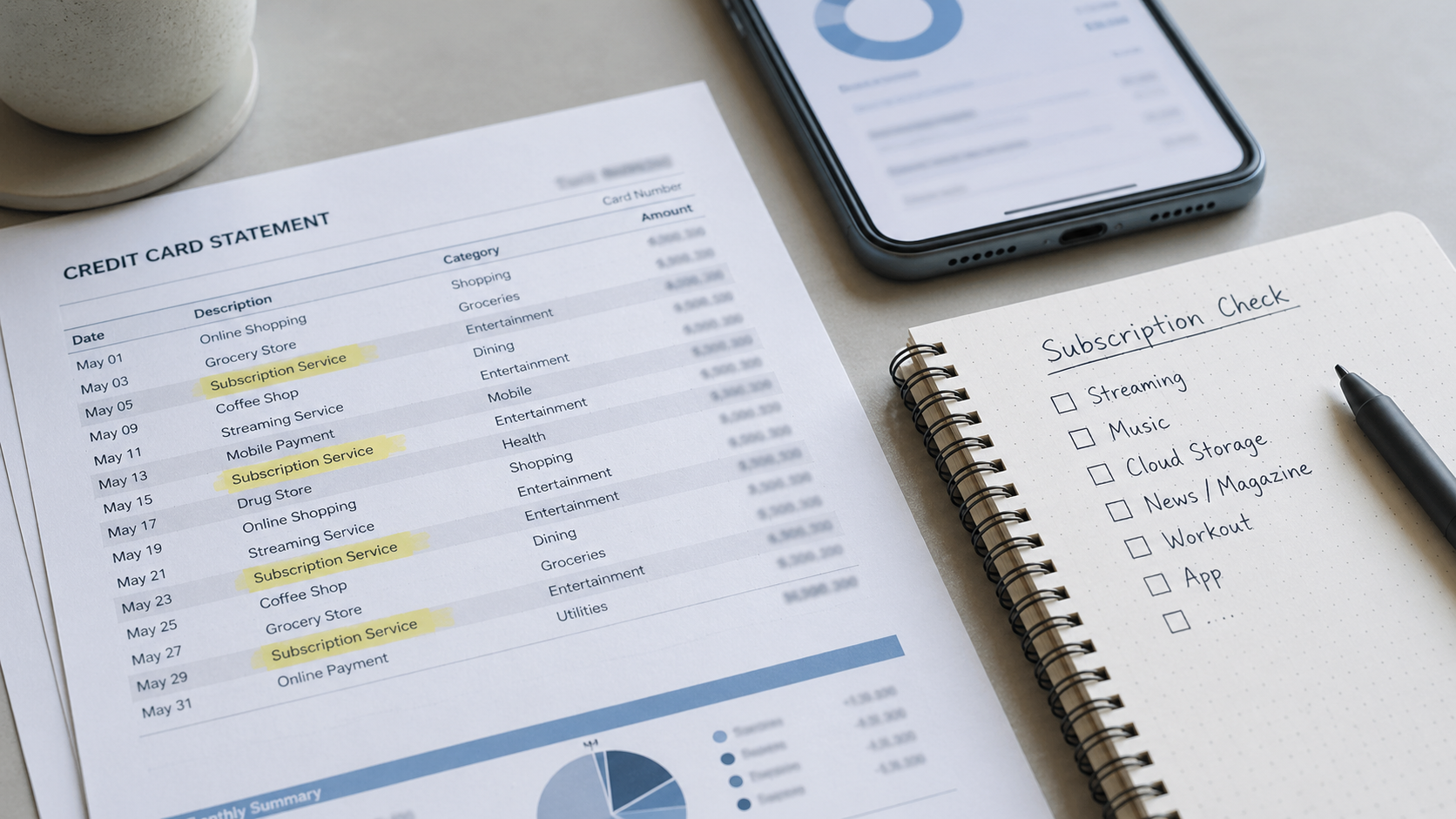
Quick answer: Forgotten subscriptions usually hide in five places: card statements, annual renewals, Apple or Google Play subscriptions, PayPal or digital wallets, and household accounts. Start with the last 90 days of transactions, then check annual charges and account-based billing paths before the next renewal hits.
A forgotten subscription rarely looks suspicious at first.
It is usually a small charge, a vague merchant name, or an annual renewal that shows up long after the service stopped feeling useful. That is what makes it easy to miss. The charge does not announce itself as waste. It just blends into the statement.
The fastest way to find forgotten subscriptions is not to open every app on your phone. Start where the money actually leaves: your bank account, credit card statement, app store billing, PayPal account, and digital wallet history.
If you already feel like money disappears every month, this is the practical next step. First find the charges. Then decide what deserves to stay.
Start with your bank and credit card statements
The first place to look is not your phone. It is your statement.
Open the last 90 days of bank and credit card activity. Search for words that usually point to recurring payments:
- subscription
- membership
- recurring
- monthly
- annual
- trial
Then scan for charges that repeat at the same amount. A $9.99 charge is easy to ignore once. It becomes a pattern when it appears every month.
Do not only search for brand names you remember. Forgotten subscriptions often appear under billing names that do not match the service name in your head. A streaming service, fitness app, cloud storage plan, meal delivery trial, or newsletter can show up under a parent company, payment processor, or shortened merchant name.
If the statement feels messy, start with this question: which charges would be hard to explain without opening another tab?
That is usually where the hidden subscriptions begin.
Related: Why Your Money Keeps Disappearing Every Month
Check annual renewals, not just monthly charges
Monthly subscriptions are easier to catch because they repeat often. Annual subscriptions are more dangerous because they disappear for almost a full year.
That is why a forgotten annual plan can feel like a surprise charge, even if the renewal was technically allowed. You signed up once, forgot about it, and the bill came back when the service no longer fit your life.
Look back 12 to 15 months if your bank or card search allows it. Search for larger charges that may have renewed once:
- $49 to $99 annual memberships
- $99 to $199 software or cloud storage plans
- annual streaming, music, or audiobook subscriptions
- warehouse, delivery, or shopping memberships
- apps that were cheaper because you paid yearly
The annual discount is only a deal if you still use the service for most of the year. If you forgot the plan existed until renewal week, the discount probably did not save as much as it looked like it would.
For a broader monthly check, read: Am I Overpaying for Subscriptions? A Simple Monthly Check
Check Apple, Google Play, Microsoft, PayPal, and digital wallets
Some subscriptions never show up as the service name on your card. They may be billed through the account that handled the purchase.
That means the next place to check is the billing account, not just the service app.
| Where to check | What may be hiding there |
|---|---|
| Apple subscriptions | Apps, streaming add-ons, cloud storage, Apple services, in-app subscriptions |
| Google Play subscriptions | Android app subscriptions, trials, media apps, productivity tools |
| Microsoft account subscriptions | Microsoft 365, Copilot Pro, Xbox, storage, and other Microsoft services |
| PayPal automatic payments | Services that bill through PayPal instead of directly through your card |
| Digital wallets | Payments that route through stored cards, wallet transactions, or saved checkout methods |
Apple says subscriptions purchased through Apple can be managed from the Subscriptions area in account settings. Google Play has a subscription management page for Play subscriptions. Microsoft has account pages for Microsoft subscriptions, and PayPal lets users manage automatic payments. The exact menu wording can change, so search inside each account for terms like “subscriptions,” “payments,” “billing,” or “automatic payments.” (Apple, Google Play, Microsoft, PayPal)
This step matters because a card statement may only show the payment path. The billing account often shows the actual subscription.
Watch for vague merchant names
The most annoying forgotten subscriptions are not always the biggest ones. They are the ones with names that do not look familiar.
A charge might use a parent company, payment processor, app developer, abbreviation, or merchant code instead of the service name you remember. That can make a real subscription look like a mystery charge.
Do not ignore vague names just because the amount is small. Search the exact merchant name from the statement. Then check your email for the same wording. Receipts, renewal notices, welcome emails, and trial confirmations often reveal what the charge belongs to.
Useful email searches include:
- “subscription”
- “renewal”
- “your plan”
- “trial ends”
- “receipt”
- “payment successful”
- the exact merchant name from your statement
If the email search finds a signup message from months ago, that is the clue. The charge may not be fraud. It may be a subscription you forgot to cancel.
Check bundles and household accounts
Some subscriptions are not forgotten because they are hidden. They are forgotten because they are shared.
Households often end up with overlapping services because one person pays for a bundle while another keeps the standalone plan. That is common with streaming, music, cloud storage, delivery memberships, and shopping accounts.
Look for overlap in three places:
- one service billed directly and again through a bundle
- two household members paying for similar services
- an old plan still active after switching to a new bundle
This is where the real savings often appear. Canceling one random $4.99 app helps. Finding two overlapping streaming or delivery memberships helps more.
Related: Too Many Streaming Services? What to Keep, Pause, or Cancel Each Month
What to do once you find one
Finding a forgotten subscription is only half the job.
The next step is deciding what kind of charge it is. Not every forgotten subscription needs the same response.
| What you found | Best next move |
|---|---|
| A service you forgot existed | Cancel it, then check whether access continues until the end of the billing period |
| A service you still use occasionally | Pause, downgrade, or switch to monthly if annual use is uncertain |
| A duplicate service | Keep the one that gets real use and cancel the overlap |
| A vague charge you cannot identify | Search the merchant name, check email receipts, then contact the card issuer if it still looks wrong |
| An annual plan renewing soon | Decide before renewal week, not after the charge lands |
The key is not to turn every charge into a panic cancellation. The better move is to sort each one into a decision: keep, cancel, pause, downgrade, or switch.
Need a cleaner way to sort what stays and what goes?
Run a 10-minute subscription check to list active charges, spot forgotten renewals, and decide what deserves another month.
No filler emails. Unsubscribe whenever.
Run the 10-minute checkBottom Line
Forgotten subscriptions usually hide because billing is scattered. One charge goes through a card. Another goes through Apple or Google Play. Another renews once a year. Another uses a merchant name that does not match the service you remember.
Start with the last 90 days of card and bank activity. Then check annual renewals, account-based subscriptions, PayPal, and digital wallets. After that, look for vague merchant names and household overlap.
Cancel it if: you forgot the service existed or would not sign up again today.
Pause it if: you still like the service but do not need it every month.
Downgrade it if: the plan is useful but the tier is too high for your actual use.
Switch it if: a bundle, family plan, or cheaper alternative covers the same need.
Keep it if: the service still solves a real problem and shows up in your actual routine.
The goal is not to cancel everything. The goal is to stop paying for things that only survive because the billing path is hard to see.